Canteen / Lunch Orders 2026
This year canteen will be provided by Jen at Kumquat.
Instead of ordering at school, you are now able to order directly from your phone!
In addition, canteen is now available for 2 days - Tuesdays and Fridays.
The new ordering system is an app called Spriggy Schools. Spriggy sends the orders directly to Jen, with clear cut off times. They are able to add specials, change orders and order in advance.
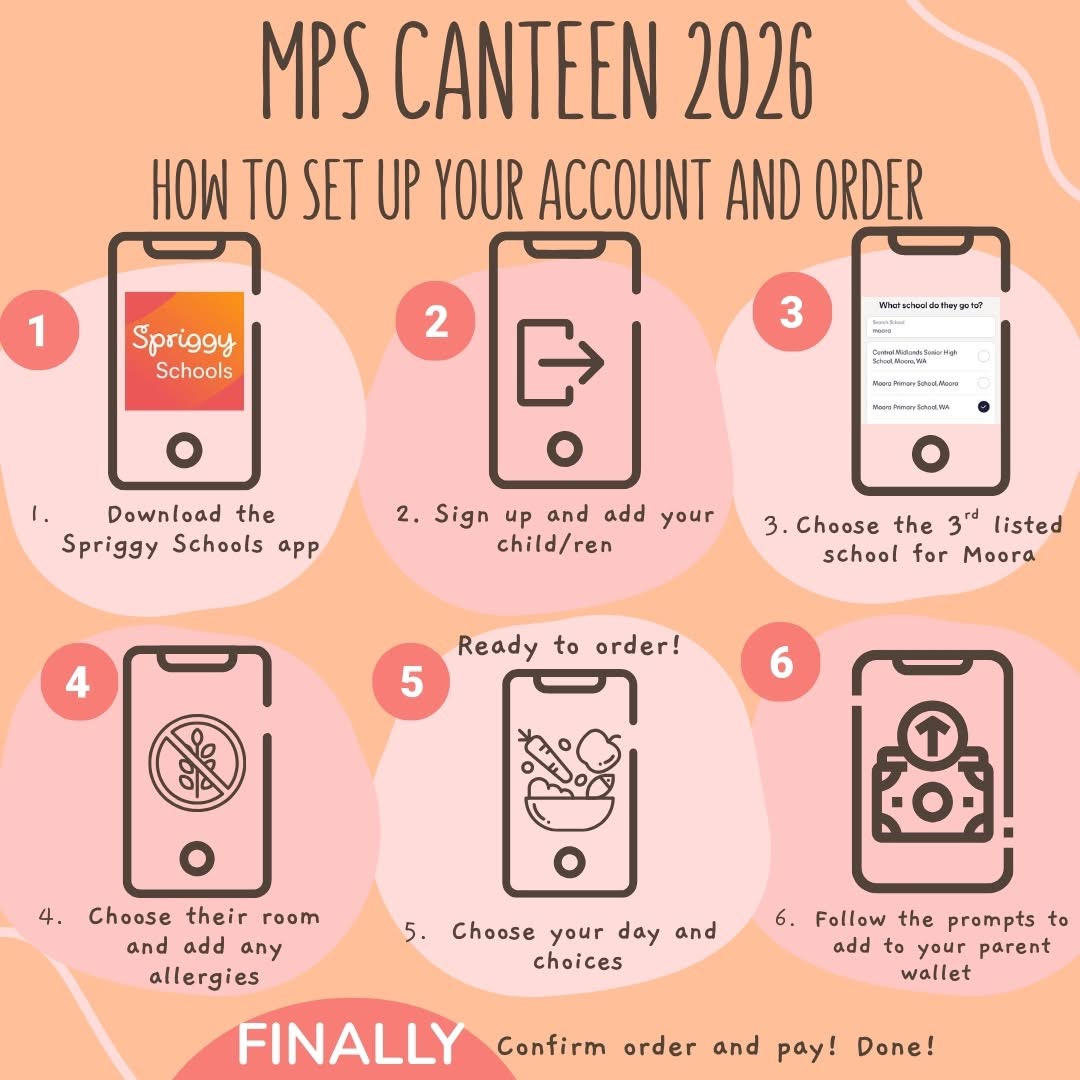
How to set up for ordering:
1. Download the Spriggy Schools App.
2. Join Spriggy Schools and set up your account.
3. Add a child. You are able to add multiple children!
4. Search Moora in the schools list, and select the 3rd choice, Moora Primary School, WA.
5. Choose your child's class, add in any allergies, and Save.
6. Using the arrows at the dates, scroll to next weeks page. (This will update itself on the active week)
7. Select the day you would like to place an order for, and select your choices.
8. Go to checkout and then follow the prompts to top up your parent wallet.
9. Confirm order, and you're done!
If you are ordering for multiple children, don't forget to go back and order for each one.
Orders can be cancelled and edited up until the cut off time specified.
This is active now and we are able to order for this coming week!
Thank you to Spriggy Schools, Jen and her team at Kumquat and our awesome P&C for organising this service and getting it all up and running!